
Storage Planning for Florida Media Walls: Cabinets, Niches, Hidden Tech
Introduction
Storage defines whether a Florida media wall works long-term. Cabinets, niches, and hidden technology must be planned before finishes and décor. This guide explains how to plan storage that keeps the wall clean, functional, and stable over time.
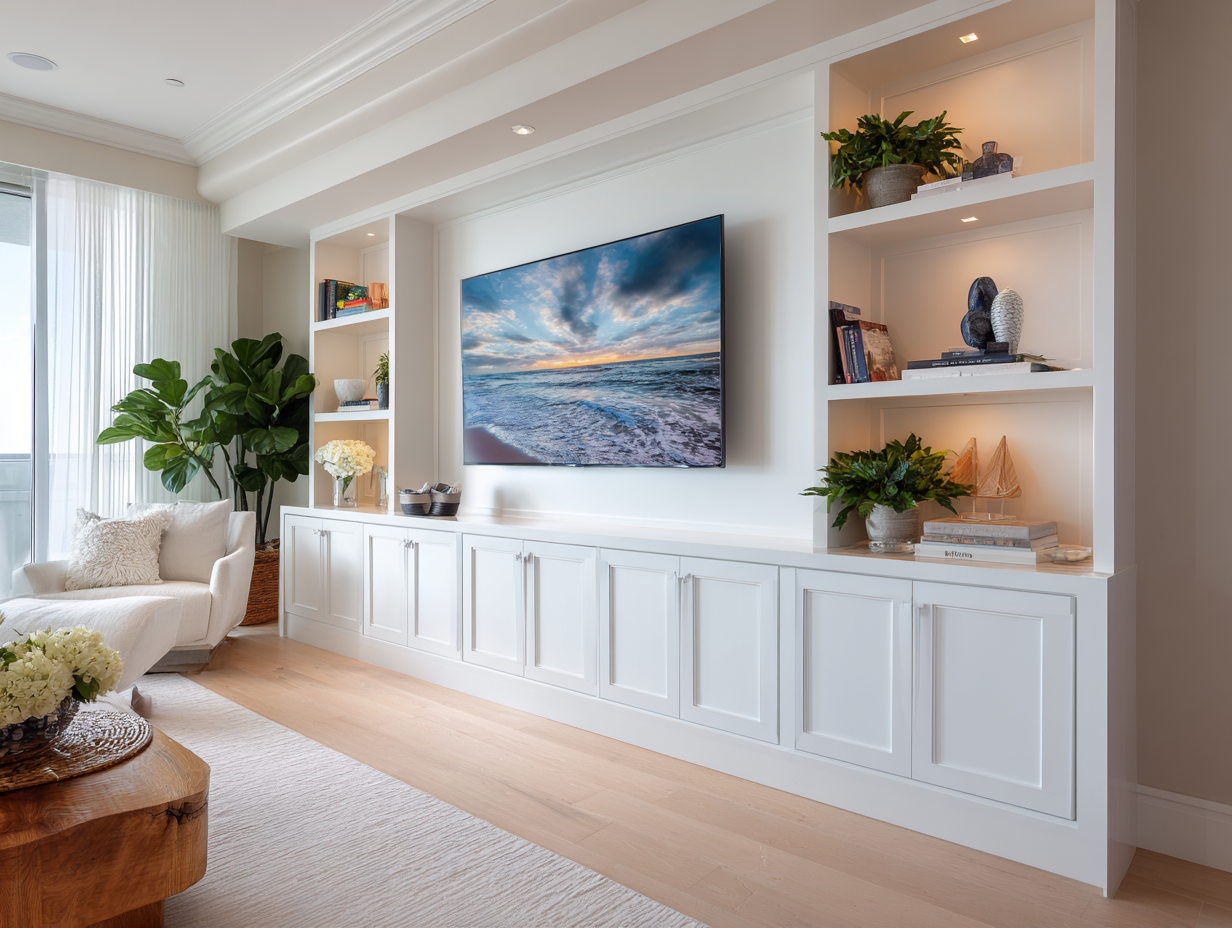
Why Storage Is the Backbone of a Media Wall
A media wall is not a display panel. It is a working system.
Storage supports:
• Daily media use
• Cable and device management
• Clean visual appearance
• Long-term adaptability
Walls without planned storage age fast.
Step 1. Define What Must Be Stored
Start with real items, not assumptions.
Common items include:
• Streaming devices
• Routers and modems
• Audio receivers
• Game consoles
• Remote hubs
Each item affects cabinet size, airflow, and access.
Step 2. Closed Cabinets vs Open Niches
Both serve different purposes.
Closed cabinets
• Hide clutter
• Reduce visual noise
• Protect equipment
Open niches
• Add depth
• Allow display
• Improve balance
Most Florida media walls combine both.
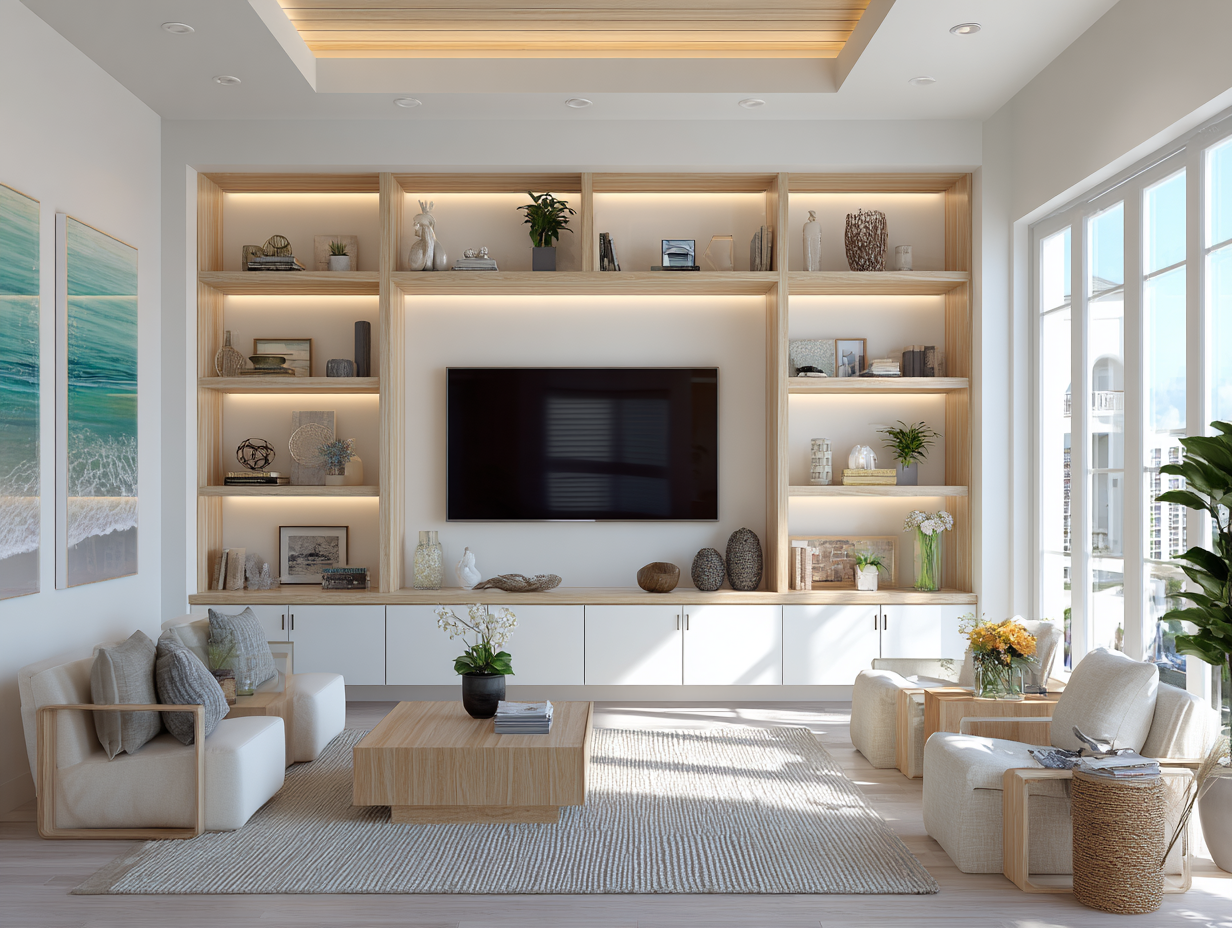
Step 3. Base Cabinets Under the TV
Base cabinets anchor the composition.
Key rules:
• Cabinet height supports TV centerline
• Depth allows device placement
• Doors allow airflow or venting
Base storage keeps the wall grounded.
Step 4. Side Cabinets and Vertical Storage
Vertical storage adds capacity and balance.
Best uses:
• Tall rooms
• Wide walls
• Fireplace media walls
Avoid narrow towers in standard-height rooms. They distort scale.
Step 5. Hidden Technology and Cable Management
Hidden tech defines quality.
Plan for:
• Power routing
• Data cables
• HDMI and audio paths
• Service access
Access panels and removable backs simplify maintenance.
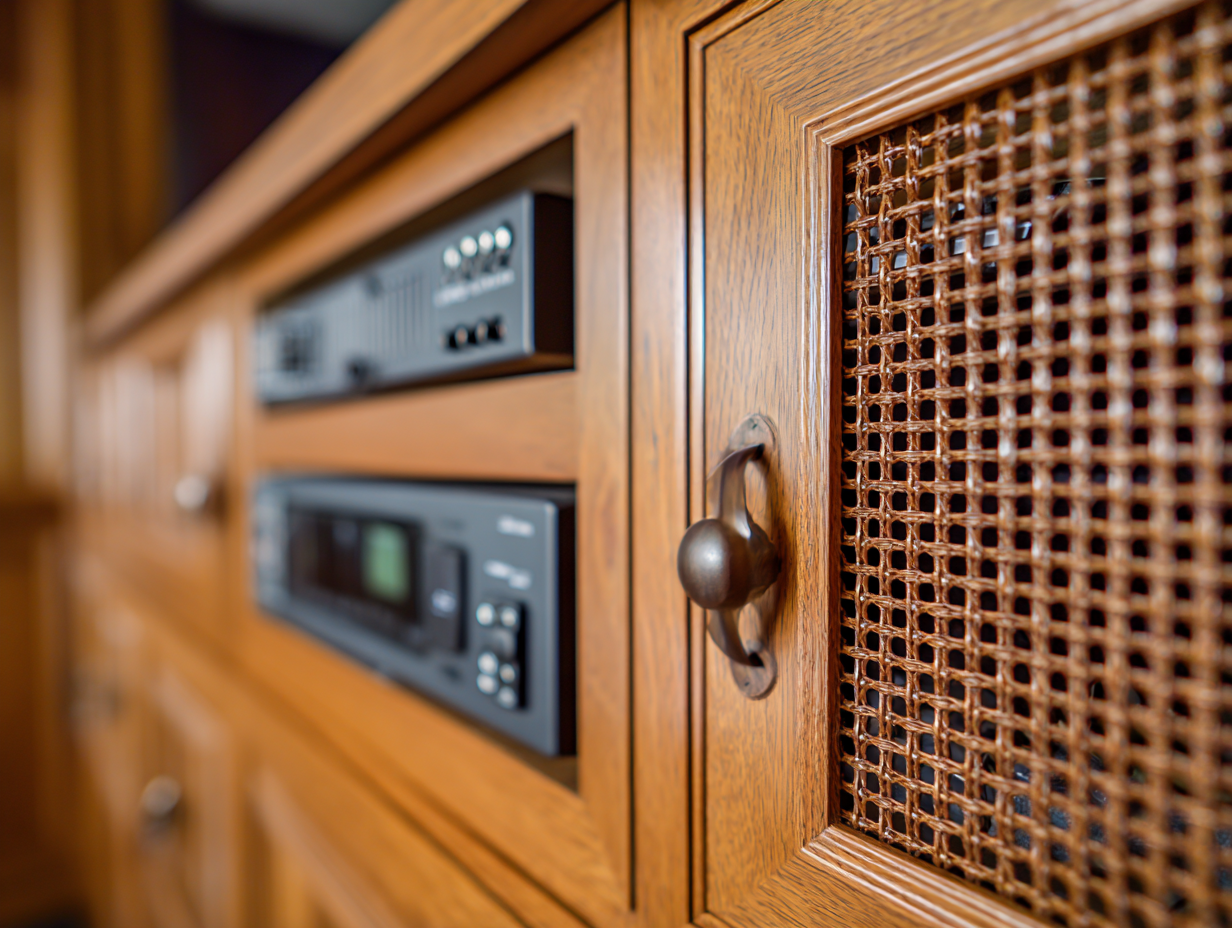
Step 6. Ventilation Rules for Florida Homes
Florida climate requires airflow planning.
Best practices:
• Vent slots in cabinet backs
• Open shelving for heat zones
• Spacing around receivers
Poor ventilation shortens equipment life.
Step 7. Storage and Fireplace Integration
Fireplace media walls require zoning.
Rules to follow:
• Separate heat and tech zones
• Use base cabinets below fireplaces
• Avoid closed storage directly above heat
Electric fireplaces still require spacing.
Why Models Simplify Storage Planning
Models define storage zones before installation.
They lock in:
• Cabinet placement
• Device zones
• Access points
• Visual balance
This prevents last-minute changes.
Explore storage-ready media wall models here:
https://tvmediawall.com/models
Common Storage Mistakes
• No space for routers
• Oversized open shelves
• Zero ventilation planning
• Storage added after layout
Storage must drive layout.
Storage by Ceiling Height Category
8–9 ft ceilings
• Base cabinets
• Limited side storage
• Compact niches
10–12 ft ceilings
• Base plus upper zones
• Balanced vertical storage
14–20 ft ceilings
• Multi-level cabinetry
• Architectural framing
• Zoned access points
Scale matters.
Why Clean Storage Improves Design
Clean storage improves perception.
A well-planned wall:
• Looks lighter
• Ages better
• Adapts to new tech
Design stays calm.
Where to Review Storage-Focused Models
All Florida media wall models with built-in storage logic are listed here:
https://tvmediawall.com/models
Each model shows cabinet zones and access planning.